
SADA Remote Control
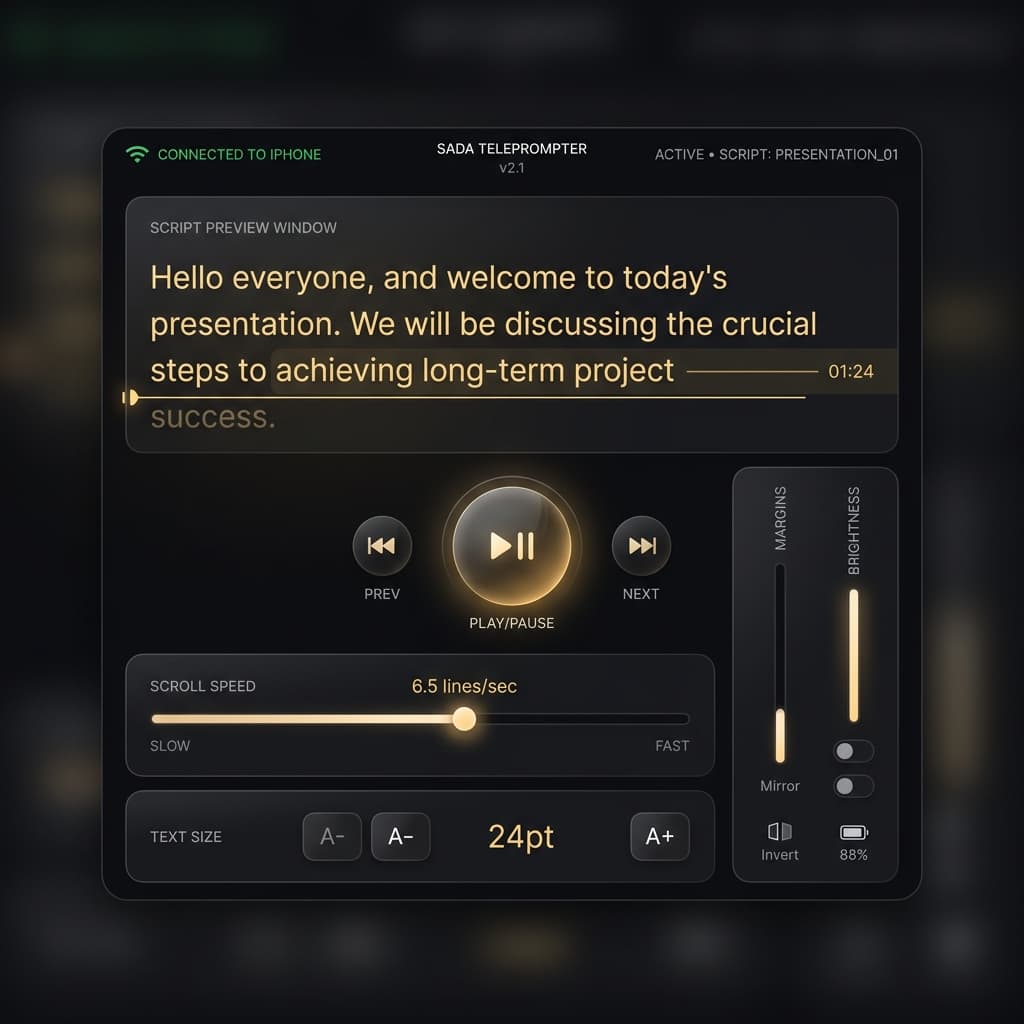
Turn any laptop or tablet into a professional teleprompter operator station. SADA Remote works right in your browser—no extra apps or bluetooth pairing required.
- Instantly connect via local Wi-Fi
- Live preview of your script
- Adjust scrolling speed on the fly
- Pause, play, and reset from across the room
How to Setup
1. Open SADA App
Make sure your phone and laptop are connected to the same Wi-Fi network. Open SADA on your phone and tap the Remote icon.
2. Enter URL
The app will display a unique IP address (like http://192.168.1.5:8081). Type this exactly into your laptop's browser.
3. Take Control
Your browser is now securely paired! You can select scripts, hit play, and adjust speed while you stand in front of the camera.